Feature breakdown

Safe and managed features with clear ownership end to end.

EmberDeck keeps daily ops efficient while preserving control: broad read visibility, explicit write intent, and managed guardrails that keep developers in charge of every change.

Base functionality

Enterprise-safe workflow foundations across mobile and tablet experiences.

  • Google OAuth sign-in with session restore and optional biometric unlock
  • Project-first workflow with one shell across services
  • Responsive UI for iPhone/iPad/large screens
  • Active project safety banner with project, account, and lock state
  • Global write-lock system to prevent accidental edits
  • Permission/setup guidance with role hints and Update Permissions flows
  • Connection diagnostics for internet, Google, and Firebase API reachability
Project and access management

Fast multi-project operations with explicit setup and permission context.

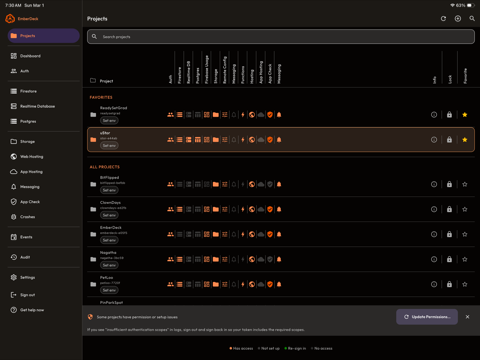
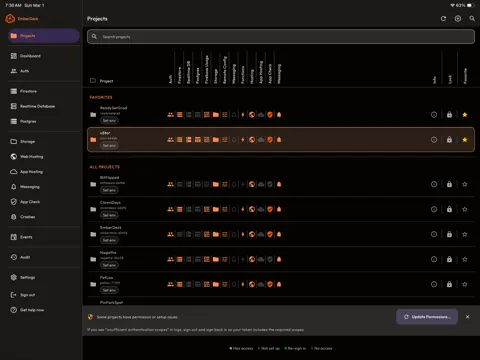
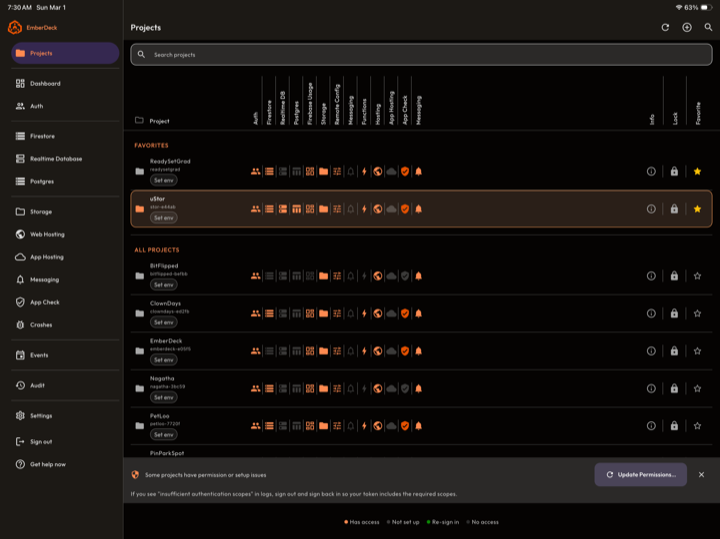
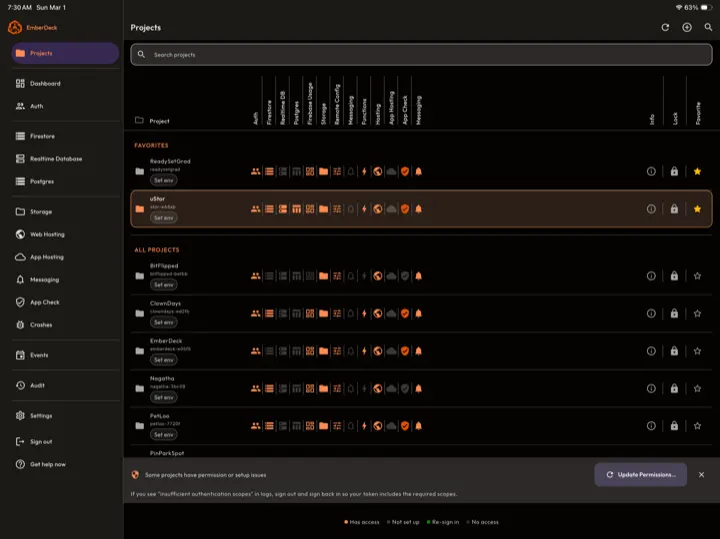
  • Searchable project list with favorites
  • Per-project service status indicators (has access, not set up, scope issue, no access)
  • Environment tagging for prod/staging/dev workflows
  • Project insights dialog for service and setup visibility
  • IAM/setup resolution screens with step-by-step remediation

Firestore

Read-first investigation with explicit mutation controls and data-move tooling.

  • Collection/document browser with query, filter, sort, and saved-query behavior
  • JSON viewing, clipboard export, and sharing for documents and selections
  • Multi-select actions for documents
  • Guarded add/edit/duplicate/delete flows with confirmations
  • Device-local undo/recovery snapshots for destructive operations
  • Copy collection or selected documents to another project (optional subcollections)
  • Bulk import via pasted JSON or CSV
  • JSON import for object, array, or NDJSON
  • CSV import with header mapping, typed coercion, doc ID mapping, and optional upsert

Realtime Database

Large-tree read/write operations with guarded mutation paths.

  • Instance listing and instance-level access checks
  • Tree/data browser with path navigation
  • Keys-only mode and full-data mode for large trees
  • Search/filter in node lists
  • Guarded export/import/add/edit/duplicate/delete node operations

Authentication users

Operational user-directory tooling for support and governance.

  • User directory with search/sort/filter
  • User detail inspection for UID, providers, metadata, and claims
  • Row selection with export/copy operations
  • JSON and CSV export options

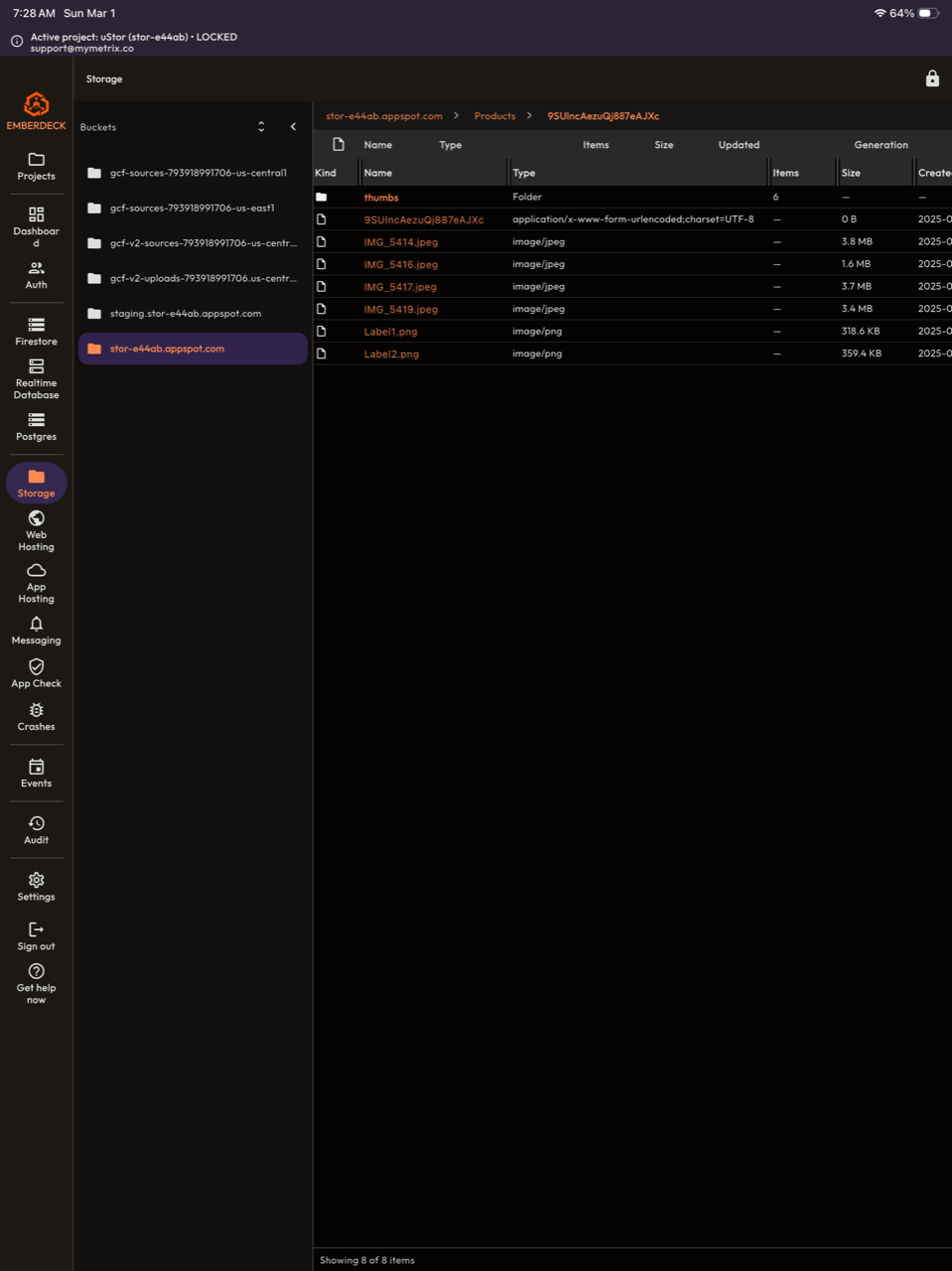
Storage

Read-first storage navigation with object-level context and sharing utilities.

  • Bucket/object browser with folder navigation and breadcrumbs
  • Object listing with compact table/grid handling
  • Copy/share metadata and links
  • Read-first access model

Hosting and App Hosting

Visibility and handoff tools for deployment surfaces.

  • Hosting sites list and site details
  • Open-in-console and URL utilities
  • App Hosting backend visibility for rollout/build/domain context

Postgres and Cloud SQL

Operational visibility for relational services linked to Firebase projects.

  • Postgres/Cloud SQL instance discovery and detail views
  • Console handoff utilities for deeper database administration workflows

Messaging and App Check

Diagnostics-focused workflows for messaging and app integrity.

  • Messaging hub with Firebase app inventory
  • App detail views with implementation snippets and copy/share helpers
  • Send/validate/topic workflows for controlled messaging operations
  • Read-first diagnostics and setup visibility
  • App Check overview with enforcement visibility
  • Verify-token flow and app-level detail views
  • Debug token management plus JWKS/public key visibility

Dashboard, Events, Audit, and Settings

Monitoring, automation, governance, and operational controls in one flow.

  • Dashboard metrics for Firestore/Functions usage over time
  • Events builder with schedules, service targeting, run state, and result messages
  • Audit log with action history and recoverability context
  • Settings for language, typography/theme, diagnostics, cache reset, account/security, and subscription state
  • RevenueCat premium/paywall integration with test-mode mimic toggle

Technical foundation

Architecture details behind the read-first, controlled execution model.

  • Flutter app for iOS/Android with direct Google/Firebase API calls using user OAuth token
  • Read-first architecture with explicit unlock and confirmation gates for writes
  • Recoverability and audit-oriented flow design for sensitive actions
  • Integrations across Firebase Management, Firestore, Identity Toolkit, Realtime Database, Storage, Hosting/App Hosting, App Check, and Cloud Monitoring APIs
Events

Events

Events is EmberDeck's automation hub for growth and operational monitoring. Create scheduled checks across your Firebase project, detect what changed, and get in-app alerts with clear counts like "12 new users" or "8 new documents."

What You Can Do

  • Build automations by project, schedule, service, and event type.
  • Track adoption signals like New Auth users, user login activity, and new Firestore documents in a collection.
  • Configure Firestore triggers with guided collection and datetime-field selection.
  • Test triggers before saving, and use Force notification to verify in-app messaging instantly.
  • View run history with summaries, result entries, and error details.
  • Receive persistent in-app "Recent results" notifications so important changes are not missed.
  • Enable/disable automations anytime and run them on demand.

Why It Matters

Events gives teams a lightweight way to measure app adoption and react quickly without building custom monitoring dashboards first.

EmberDeck Events automation and result history

Safety model: safe by default, managed by design.

EmberDeck does not hide risky operations behind automation magic. Firestore changes remain visible, constrained, and intentional through lock state, confirmation gates, and permission-aware behavior.

  • Safe default posture: read and inspect first, then opt into edits only when required.
  • Managed transitions: create/update/delete flows are directly initiated by the user.
  • Permission truth: all capabilities follow your Google IAM permissions.
  • Guardrails: destructive operations require direct confirmation.
  • Context awareness: project and environment state stay visible during operations.
  • Ownership stays local: no hidden backend actor mutates your project data.

Build your team workflow on a safe and managed foundation.

Run Free first, then start the unlimited 7-day Pro trial when you want advanced monitoring and automation. The same deliberate safety model remains consistent across every feature.